AI Model & Technology
Image generation in this tool is powered by GPT Image 2, an AI model developed by OpenAI, accessed through the official OpenAI API. Your sketch and prompt are sent to OpenAI as generation input, and generated output is subject to OpenAI's usage policies. See our: Terms of ServicePrivacy Policy
How to turn a sketch into art
Sketch the subject and layout
Draw the main shapes, place the subject and background, and make objects easy to distinguish. Simple lines are enough. Open the fullscreen canvas whenever you need more room.
Choose a style and add a prompt
Describe colors, materials, lighting and background. Style strength and creative expansion affect how closely the result follows your original sketch.
Choose a tier and generate
Select Standard or Premium and check the credit cost before generating. Download the finished artwork, or continue creating from your history.
Ideas for your first sketch
These drawing and prompt examples help you give your own idea a clear direction.
A sketch into a landscape
Draw a mountain outline, a horizon and a small cabin. Try: a mountain cabin at dawn, light mist, warm window light, soft watercolor texture.
A doodle into an animal illustration
Use circles and lines to place the head, body and pose. Try: a ginger cat resting by a window, afternoon sunlight, fluffy fur, a warm storybook illustration.
An illustrated poster background
Block out a subject and leave space for text. Try: lemons and green leaves on a cream background, simple flat illustration, empty space at the top. Add typography separately after generation.
A creative sketch-to-art illustration
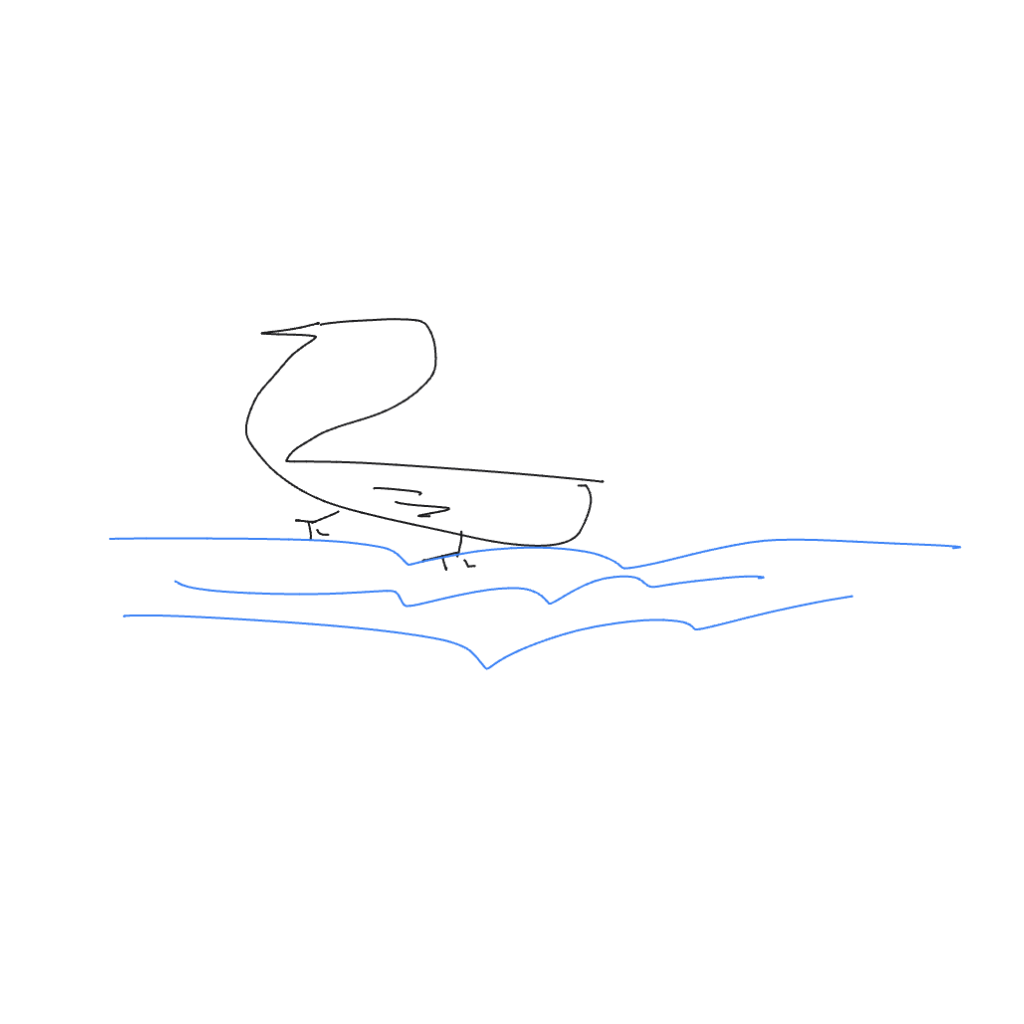
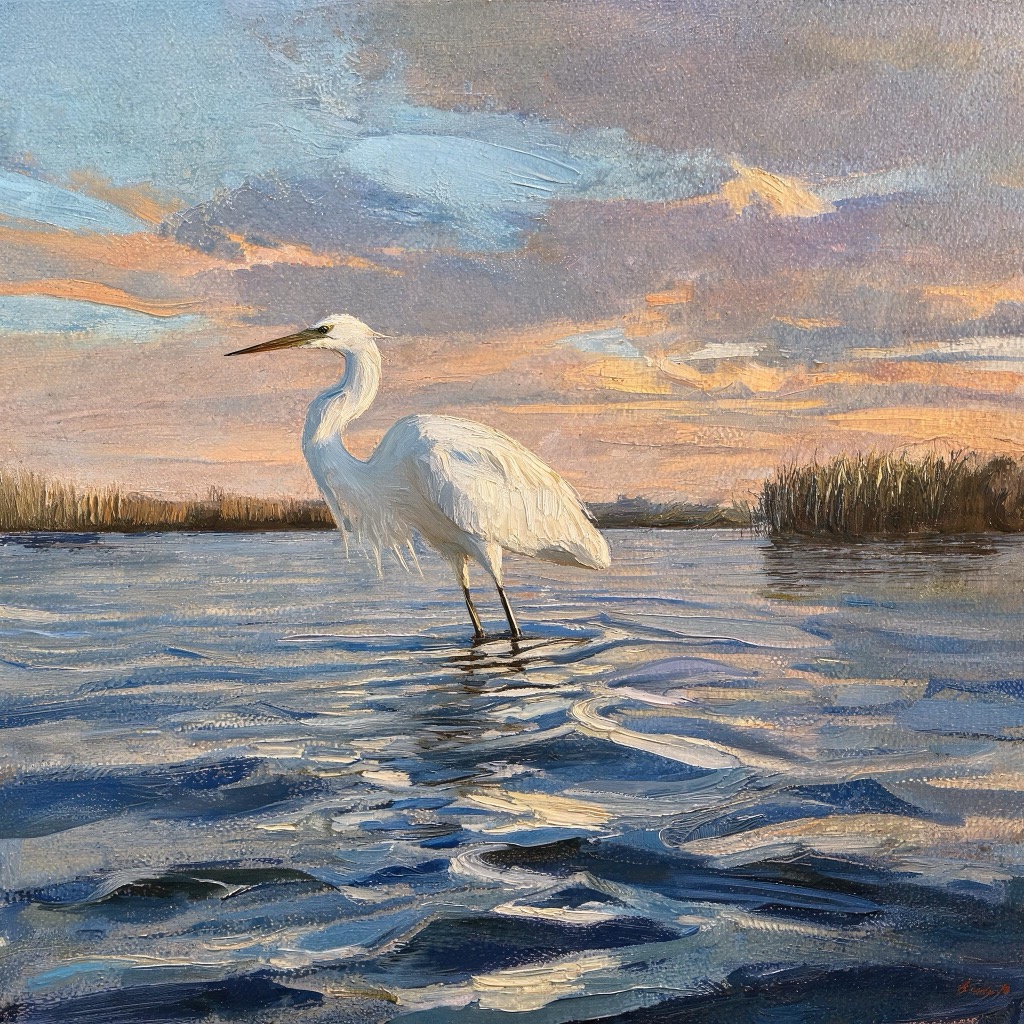
Choosing Standard or Premium
Start with Standard to explore a composition or style. Try Premium when you want to explore richer detail. The tool shows the current cost and available tiers before generation. Pay per use with credits, with no automatic renewal.
View credit packs and validitySketch to image FAQ
Can I use this if I cannot draw?
Start with simple shapes and lines. Use one main subject and describe what it is, where it is and the style you want. Clear composition matters more than precise drawing.
Will the image exactly match my sketch?
The sketch guides the composition. AI interprets the lines and adds detail, so shapes and positions may change. Adjust style strength and your prompt as needed; each successful new generation is charged separately.
Am I charged if image generation fails?
Failed generations are not charged, and deducted credits are returned. If your connection drops, check the generation status or history before starting another request.
Will my artwork appear in public examples?
The examples on this page are site illustration assets. Your sketches and artwork are not automatically published as examples. Your access code protects access to your history; keep it private.
Which AI model does this tool use?
Image generation is performed by GPT Image 2, an AI model developed by OpenAI, accessed through the official OpenAI API. Your sketch and prompt are sent to OpenAI as generation input. See our Terms of Service and Privacy Policy for details.